Batch Work
Just-Snips: It's your haystack after all.
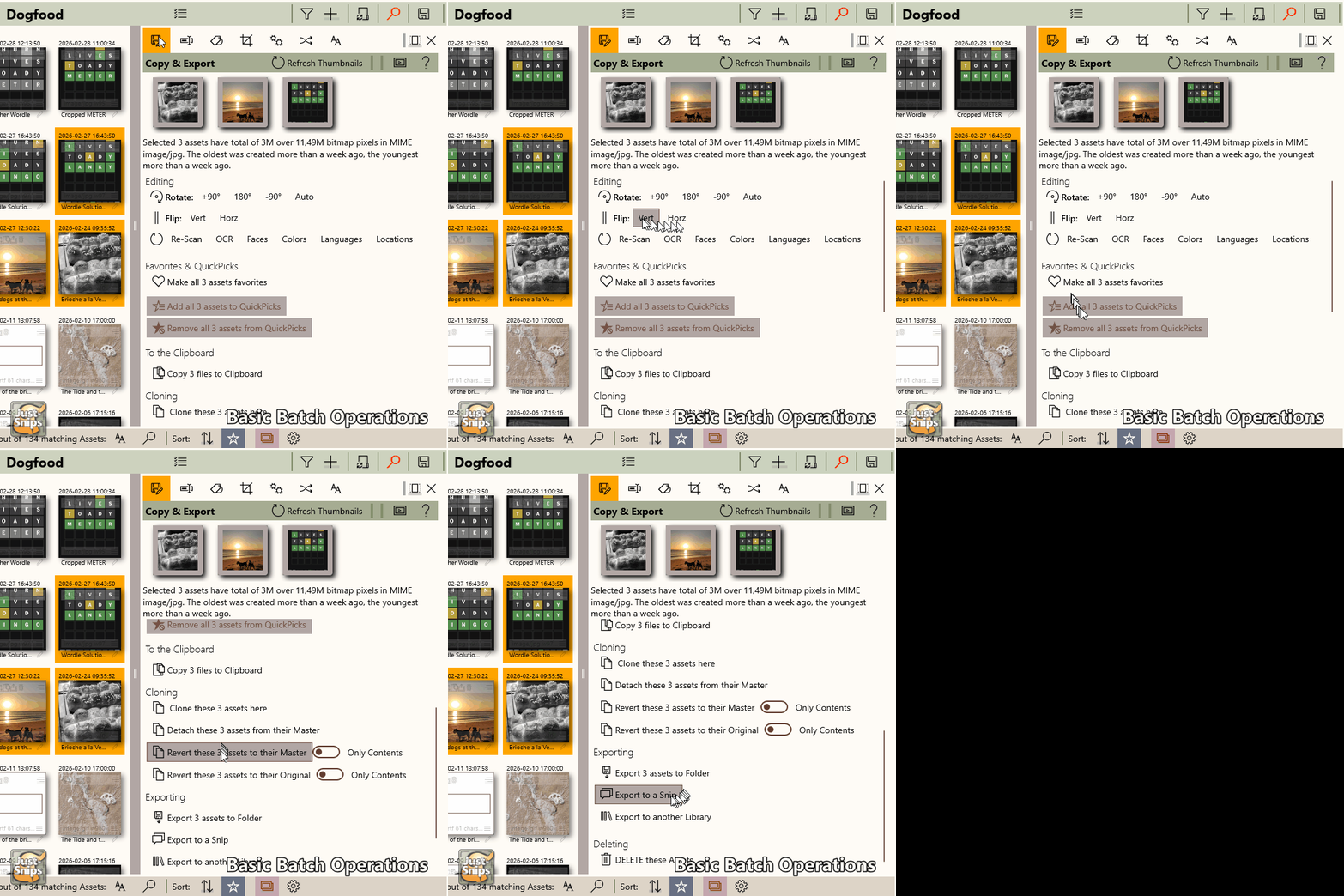
Perform changes on multiple assets at once using Asset Editors.
Perform changes on multiple assets at once using Asset Editors.
You can perform several general actions on one or multiple assets:
You can change name, copyright, origin, description and tags of assets in batch, using placeholders
for their meta data.
Placeholders include counters, location, dates, colors, people, languages,
dimensions, etc.
For those file formats that support file-based tags like EXIF, you can edit those tags, too.

You can apply filters like grayscale, color changes, vignettes etc to a collection of bitmaps.

You can change the MIME format of a collection of assets in one go.