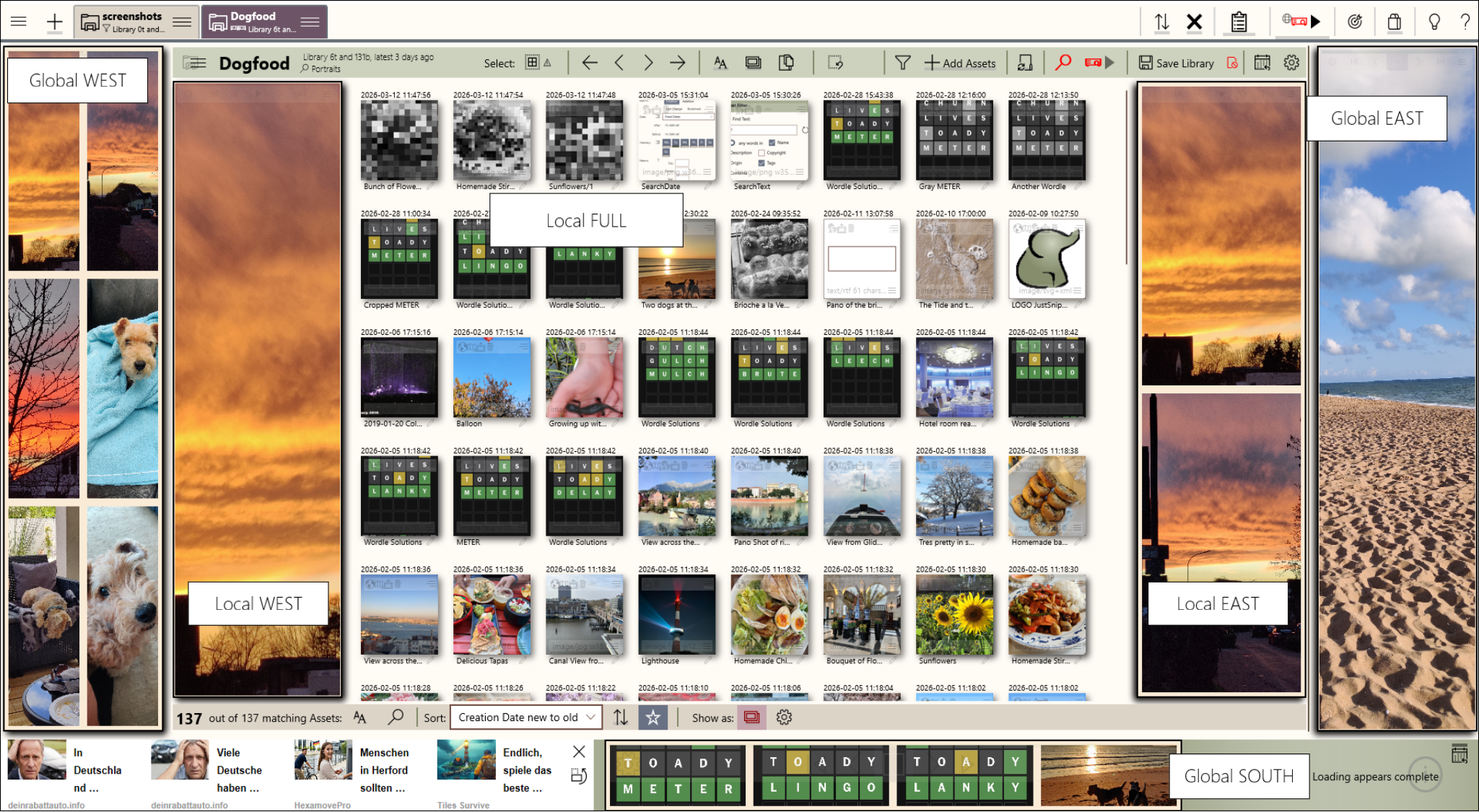
Slideshow Slots
There are many places to display your slideshows
Project your assets into slideshows in the app, the
Windows desktop background, or the Windows Lockscreen.
Use multiple assets per page! Even use
live content.

Slideshows are based on a PowerSearch. They display the matching assets in a PowerSearch to a slot in the app.

There are several layout options for a slideshow. Some are only available when there is enough
space.
Oh, animations play, of course.
There are several slots available to project into:
You can pick from several options for the slideshow layout:
A slideshow can be configured to your liking:
There are many places to display your slideshows
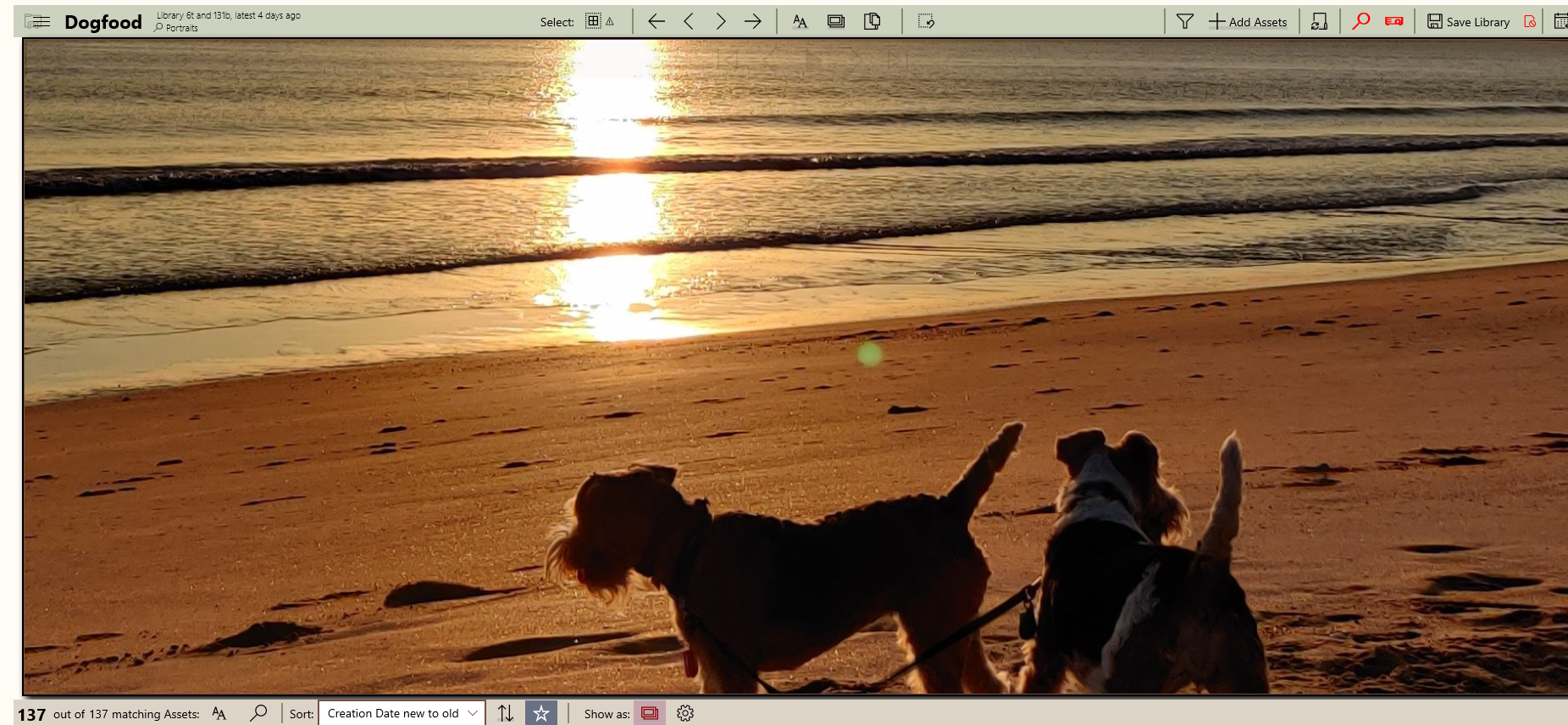
Show the asset using all the available space
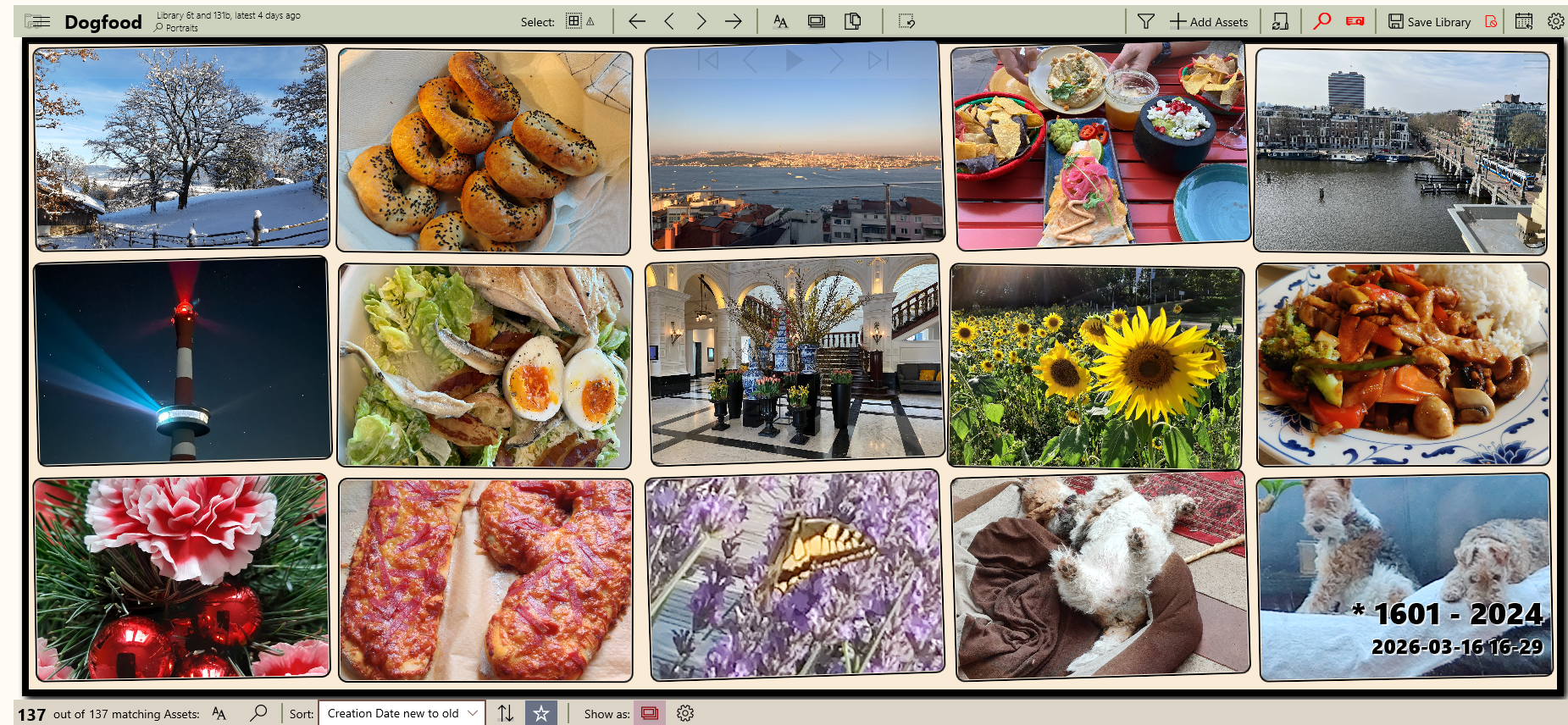
Show assets in a grid of configurable sizes
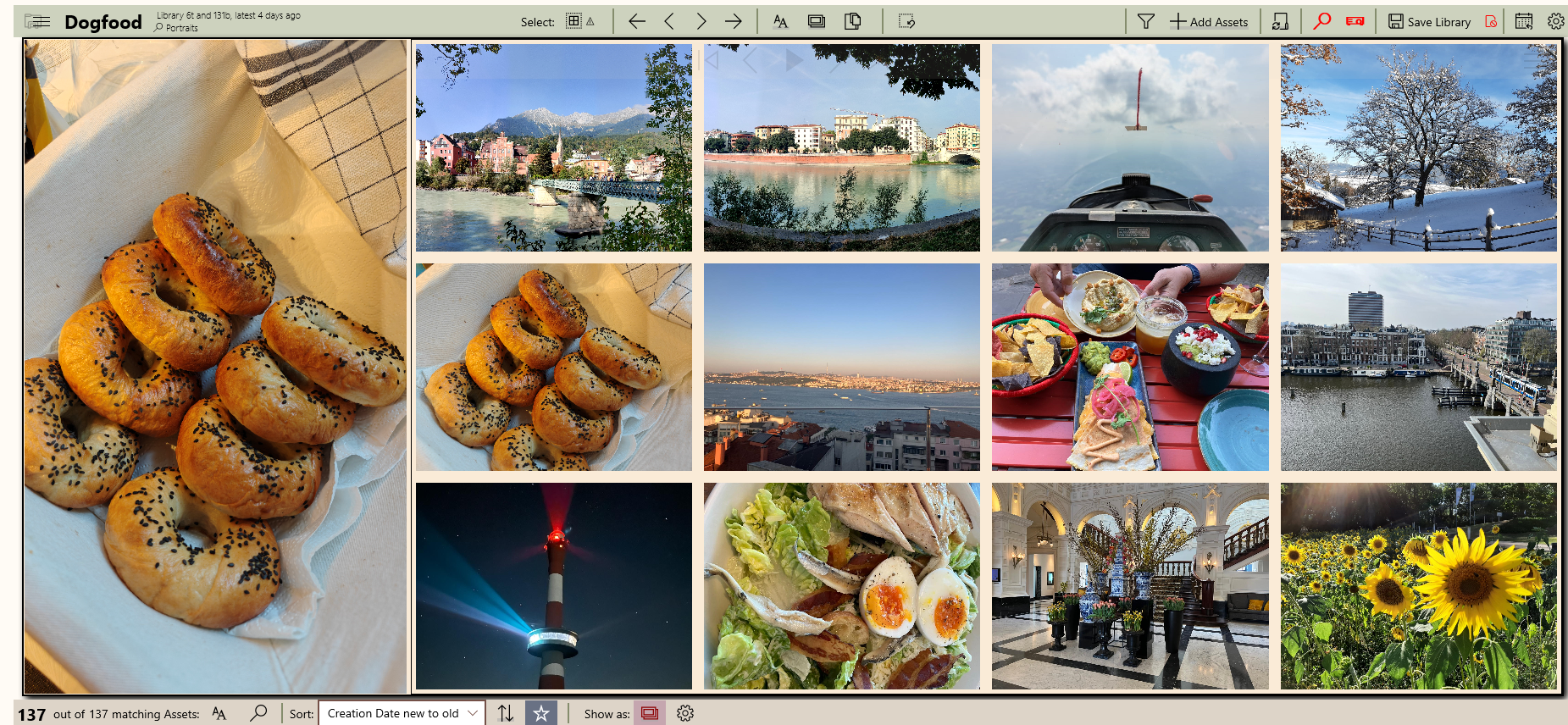
Show the first asset as a leader, the rest in a grid
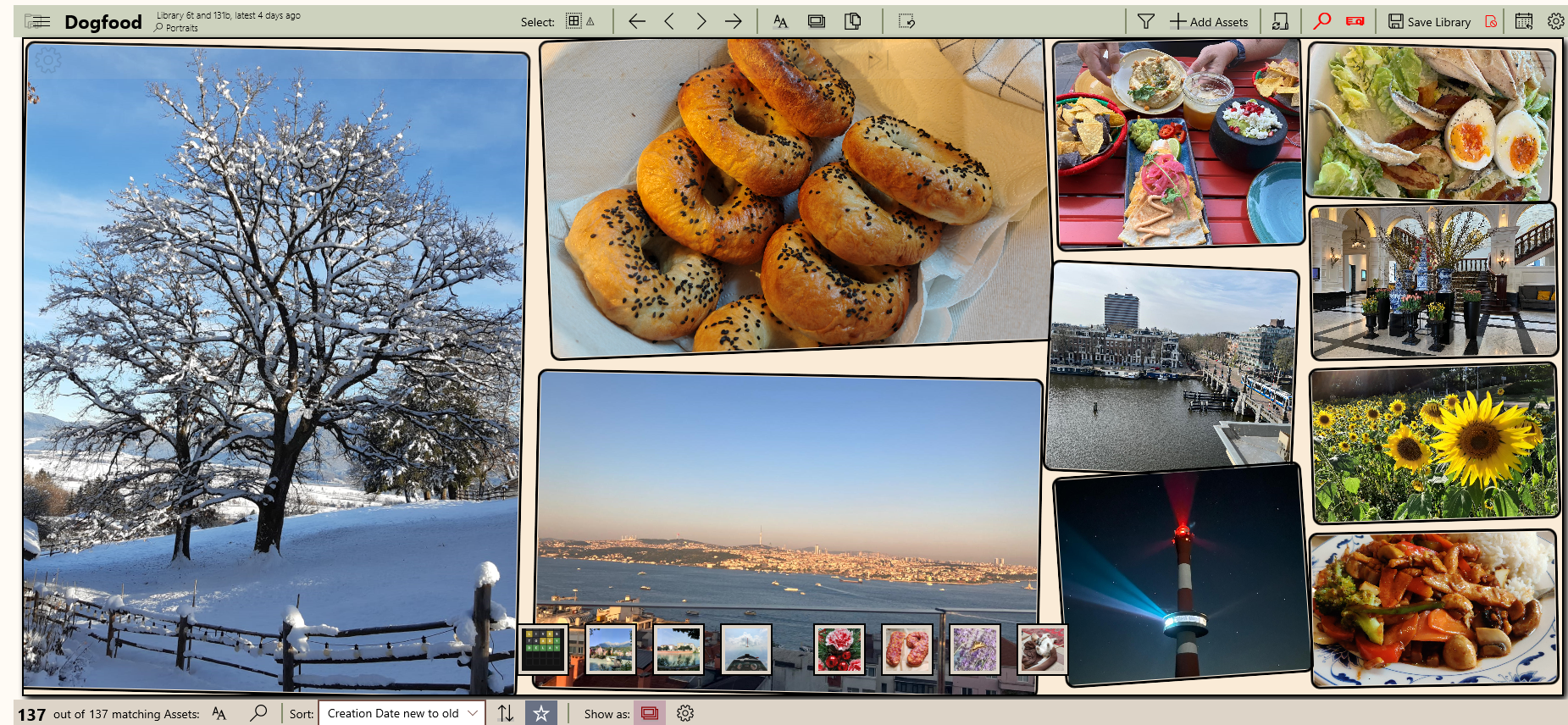
Show the asset in a 1-2-3-4 mosaic
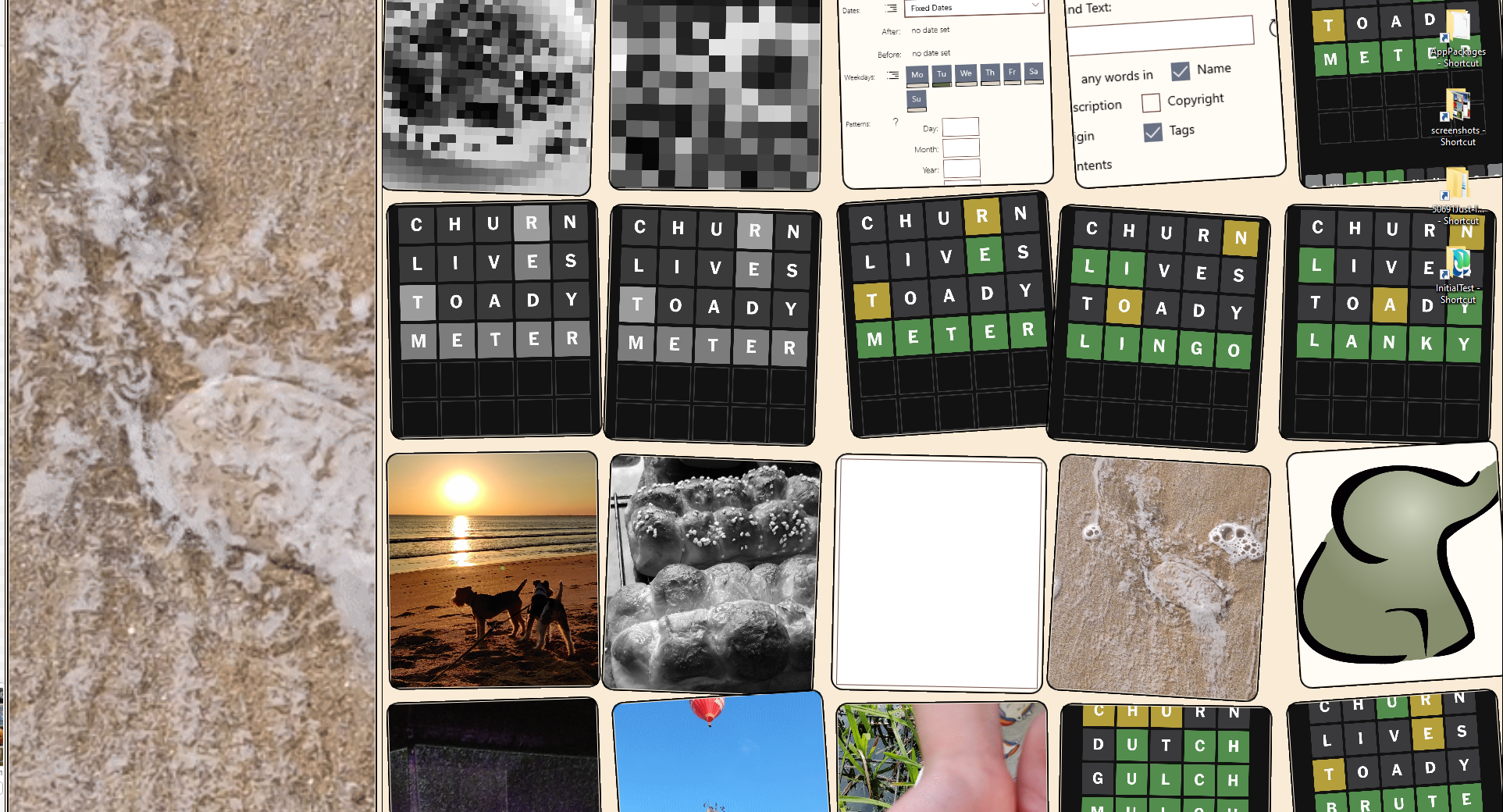
You can project a slideshow to the Windows Desktop background